Protecting your content
How paid stays paid: no forwarding, no location data, watermarks, buyer codes and the leak check.
Paid means paid. VelocityBot protects what your members buy, keeps your location out of what you share, and helps you find out where a leaked photo came from. Most of it works without you doing anything.
What happens automatically
No forwarding, no saving
Posts in your paid channel and everything the bot delivers after a purchase are protected: Telegram turns off forwarding and saving for them.
No location left behind
Phone photos and videos record where they were taken. VelocityBot removes it from videos as they upload and from promo photos, teasers and edited copies; Telegram drops it from the photos it receives.
Private storage
Your gallery has no public links. When a network has to fetch a photo, it gets a signed link that stops working within the hour.
Your watermark
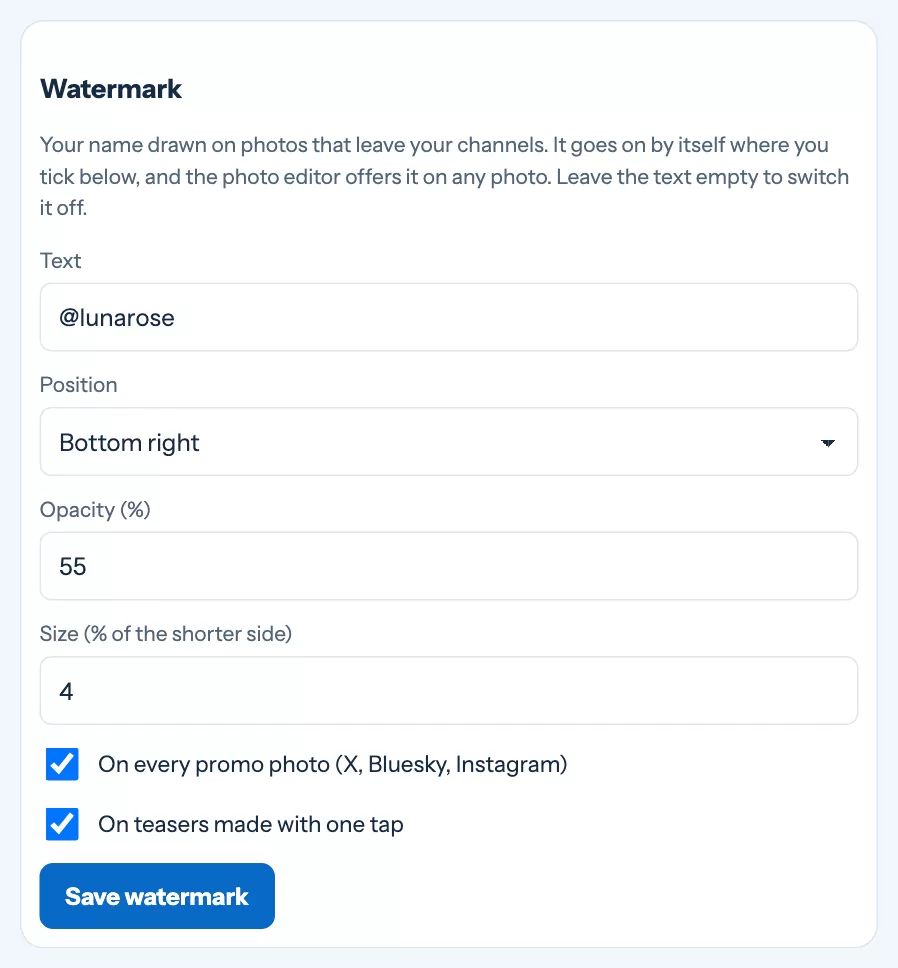
Set your watermark once under Settings › Figures, in the Watermark box: the text (for example your @handle), the position, the opacity and the size. It then goes by itself on every photo sent to X, Bluesky and Instagram and on every one-tap teaser, and you can add it to any photo in the editor.
Buyer codes
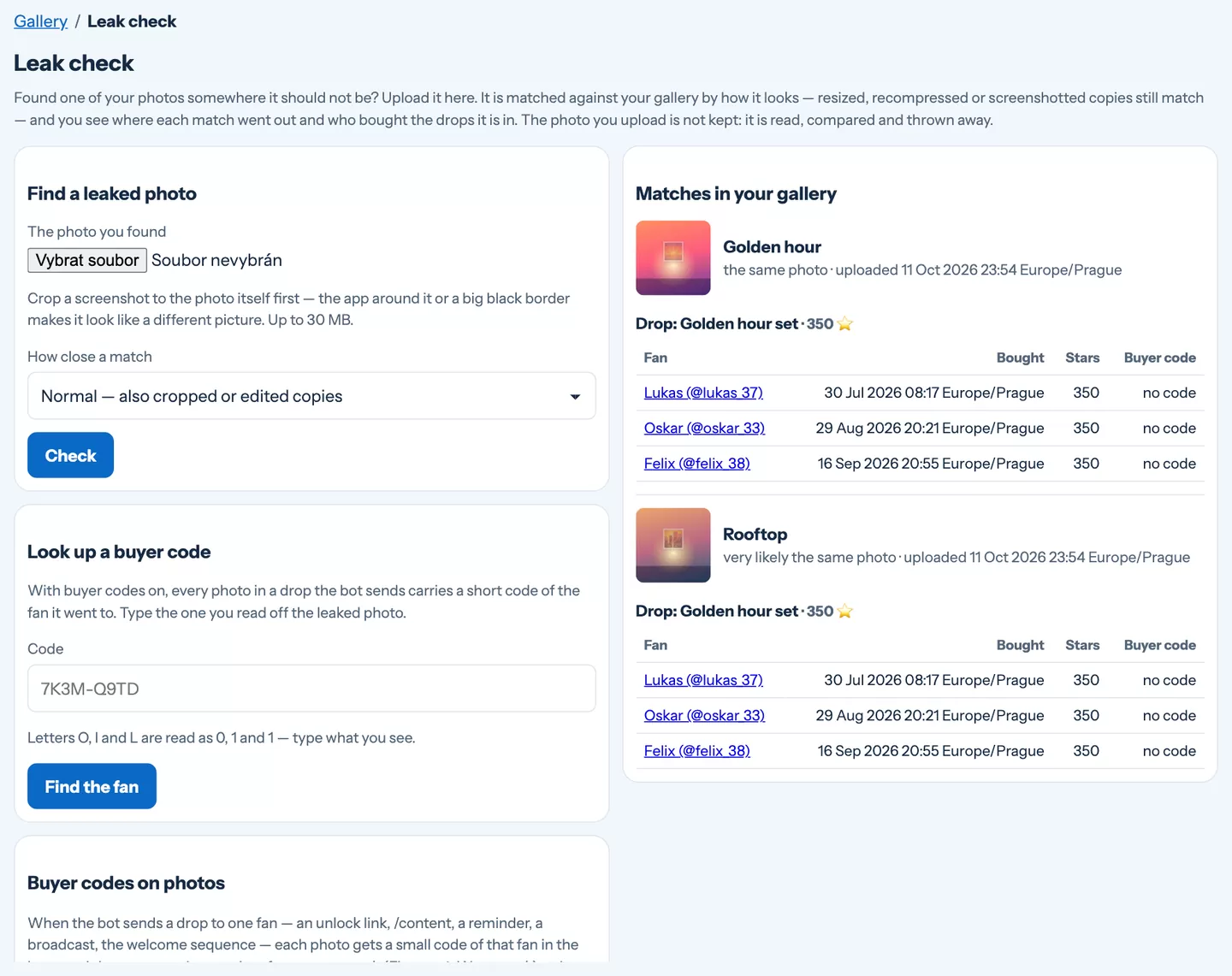
Switch on Buyer codes on photos under Content › Leak check. From then on, every photo of a drop the bot sends to a fan — after an unlock, from /content, in a broadcast or the welcome sequence — carries a small code that belongs to that fan, in the corner next to your watermark. If the photo turns up somewhere, the code tells you who it was sold to.
What buyer codes cannot do: videos go out without a code, and a paid post sold inside a channel is one file for everyone. A heavy re-encode or a cropped corner can make the code unreadable — the leak check below still finds the photo by how it looks.
The leak check
Found one of your photos somewhere it should not be?
- Crop the screenshot to the photo itself — the app around it makes it look like a different picture.
- Upload it under Content › Leak check. It is matched against your gallery by how it looks, so resized and recompressed copies match too. Nothing you upload is stored.
- See where it went — in which posts, drops and teasers each match was published, and who bought those drops.
- Read the code If the photo carries a buyer code, type it into Look up a buyer code to find the fan.
Still stuck?
Write to us and a person will answer — usually within a working day. Tell us which figure and which page it is about.